If you need to change your access number and are using Windows 95 or 98, here's how to do it:
|
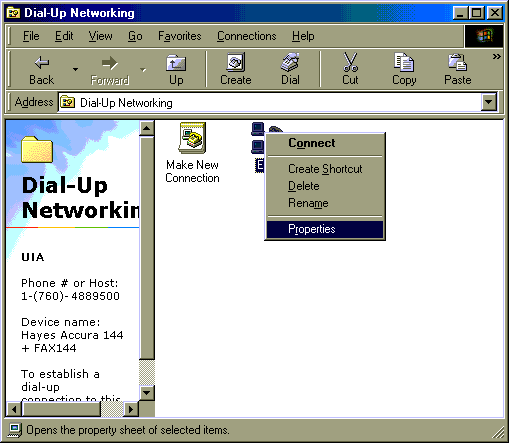
1. First, double click on "My Computer". 2. Next, double click on "Dial-Up Networking". | |||||||||
| |||||||||
|
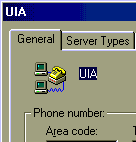
3. Identify which connection you use to dial. It might be called "My Connection". Right click on the icon and choose "Properties". | |||||||||
| |||||||||
|
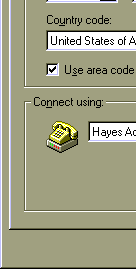
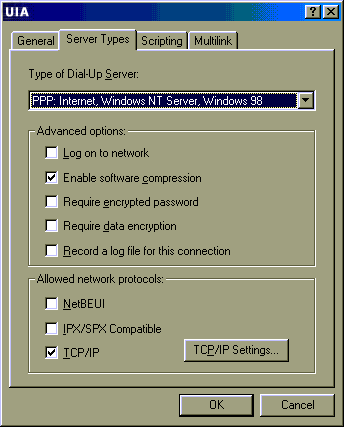
4. Change the phone number. 5. Next, click on the "Server Types" tab at the top of the window. | |||||||||
| |||||||||
|
6. The only items that should be checked here are "Enable software compression" and "TCP/IP". If any other items are checked, uncheck them by clicking on the checkmark. 7. Click OK. 8. Close Dial Up Networking and, if necessary, My Computer. Your number will be permanently changed, and you'll be all set to dial in. |